







noQue

India's First Ever Kiosk On Phone

"Your Phone, Your Kiosk"

Experience Fast, Queue-Free Ordering

Order ahead, skip the line, and get notified when your food’s ready.
Download the noQue app today!

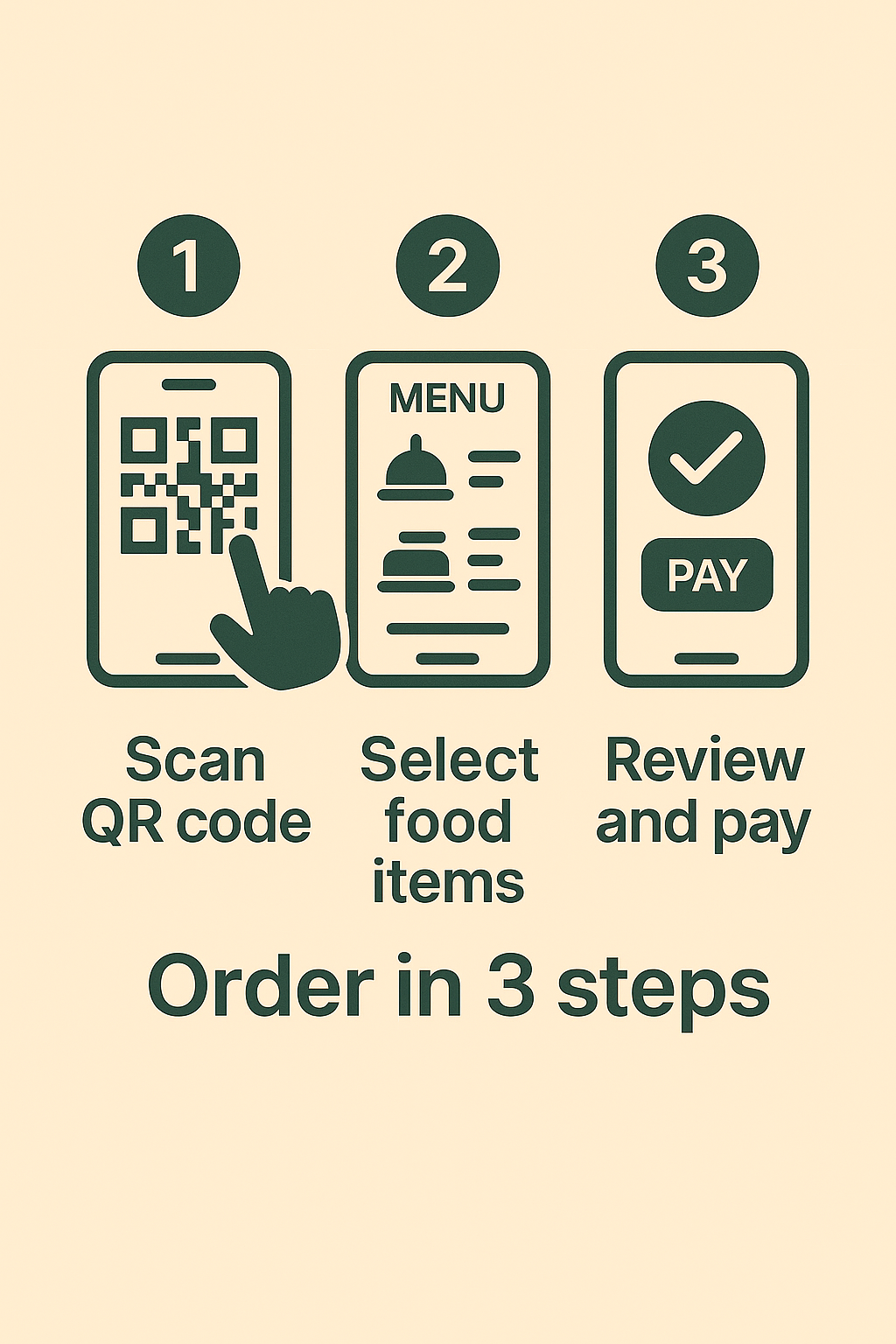
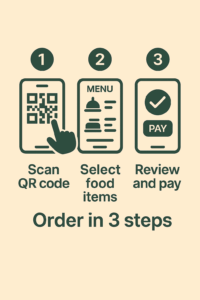
Order Food in 3 Steps

Step 1:
Scan QR Code

Step 2:
Select Items

Step 3:
Review and Pay

Step 1:
Scan QR Code

Step 2:
Select Items

Step 3:
Review and Pay

Skip the Line.
Savor the Moment.

Your time is precious.
Why wait in a queue,
when you have noQue!

One App. Any Restaurant. No Queue

What are we offering you on the app?

Our app is packed with features that
enable you to experience food
like never before

Frequently Asked Questions

noQue is a Food Ordering Application which speeds up the process of ordering food

Install the app via google play store or apple app store.
Find your favourite restaurant on the app and place an order.
Skip the queue and pick up your food when the app tells you it’s ready

We are working on bringing new restaurants to our platform all the time.
But if you have a favourite, please write to us at contact@no-que.com

We have started with South Bangalore restaurants and are working our way.
When we expand to more cities, we will keep you updated.
Sign up for our newsletter here –> add link here

You can pay using UPI at the moment.

There is no minimum amount for an order to be submitted.

We do not allow order cancellations if the payment has gone through.

There is no minimum amount for an order to be submitted.

The probable reason why they cancelled is if their product is over.
If you de feel it was done incorrectly, please write to us with your email id, order date and order number to grievances@no-que.com and we will get back to you

Please place another order at the same restaurant. Since there is no minimum order requirement, you can submit as many orders as possible

Once the order is placed and paid for, you can track the order via ‘Your Orders’ tab on the Navigations Pane of the app

You can find the notifications for the status of your order via ‘Notifications’ tab on the Navigations Pane of the app.
Hit the Refresh button on the top right of the ‘Notifications’ screen to get the latest notifications.
You can find the notifications for the status of your order via ‘Notifications’ tab on the Navigations Pane of the app.
Hit the Refresh button on the top right of the ‘Notifications’ screen to get the latest notifications.

Please write to us with your email id, order date and order number to grievances@no-que.com and we will review your case and get back to you.

Download the app now!

Experience seamless ordering
only on the noQue app

Scroll to Top